
Guardian Alarm Setup & Support
TUTORIAL VIDEO
To turn on subtitles in your language: Go to Settings > Subtitles/CC and select your preferred language.
PREMIUM MOUNTS
FAQ
-
Which factors affect the alarm's sensitivity and where should I install it?
Choosing the right location is critical for the alarm to function correctly. Follow these guidelines:
Mount on Solid Surfaces: Install the alarm on the main body of the item you are protecting. Avoid placing it on springs, shock absorbers, or moving parts, as these components can dampen vibrations and make the alarm less effective.
Target Vibration Hotspots: The alarm is most sensitive when placed further from the ground or near a lock. These areas typically experience more vibration during a break-in or tampering attempt than other parts of the item.
Installation Examples:-
Trailers: Install the unit directly on the door to detect forced entry immediately.
-
Scooters: Mount it to the main frame or handlebars rather than the deck or floorboard, as the frame carries vibrations more clearly.
-
-
Why has my remote and alarm suddenly stopped connecting?
A: Replace your remote's batteries immediately.When batteries are nearly drained, they can no longer handle the high power spikes required for wireless transmission. Because of this, the connection between the alarm and the remote will fail, even if other basic functions on the device still appear to work normally.
⚠️ Note: Letting the battery drain completely can cause severe wireless malfunctions or accidental device reboots.
How to Identify Low Power
Check your devices for the following low-battery warning indicators:
- Vibration Alarm: You will hear two high-pitched beeps immediately following the standard "ARM" notification.
- Alarm Remote: The LED indicator will flash rapidly 6 times whenever any button is pressed.
-
Why does my alarm turn off and then immediately back on?
A: This is usually caused by the remote buttons being pressed accidentally while in a pocket or bag. To prevent this, ensure the remote is stored in a way that avoids pressure on the buttons. You can also use the side switch to turn the remote off when storing it in an enclosed space.
-
Why does my alarm trigger even when there is no movement?
A: False alarms are often caused by continuous vibrations. Avoid installing the alarm unit near devices that vibrate during operation, such as large speakers, engines/machinery, or other Guardian Alarms that may cause interference.
-
Alarm soud is not loud.
A: The Guardian Alarm offers six different alarm sounds, including one mute mode. Three of these sounds are louder, and three are less loud. The loudest sound reaches 110 dBA, which is quite powerful. You can easily toggle between these alarm sounds by pressing the SETTING (left) button on your controller. The alarm will sound each time you press the button to select a new sound.
- Why doesn't the alarm react to shaking?
Guardian Alarm uses intelligent motion detection with 3 adjustable sensitivity levels. It's designed to detect impact and movement patterns that resemble real theft—like lifting, tampering, or forceful handling—not simple shaking. This helps avoid false alarms from everyday disturbances like wind, rain, or minor vibrations. Adjust the sensitivity if needed to match your environment and protection needs.
Watch the demo video
-
My remote only works when the new battery is halfway inserted. What's wrong?
A: This is likely due to poor contact with the battery's negative side. Smooth-surface batteries may not connect well with the holder. Use bump-pattern batteries, like EESENS-approved CR2032, for proper contact. See the image below for comparison.bump-pattern surface
 smooth surface

Leave your message
Guardian Alarm System
-
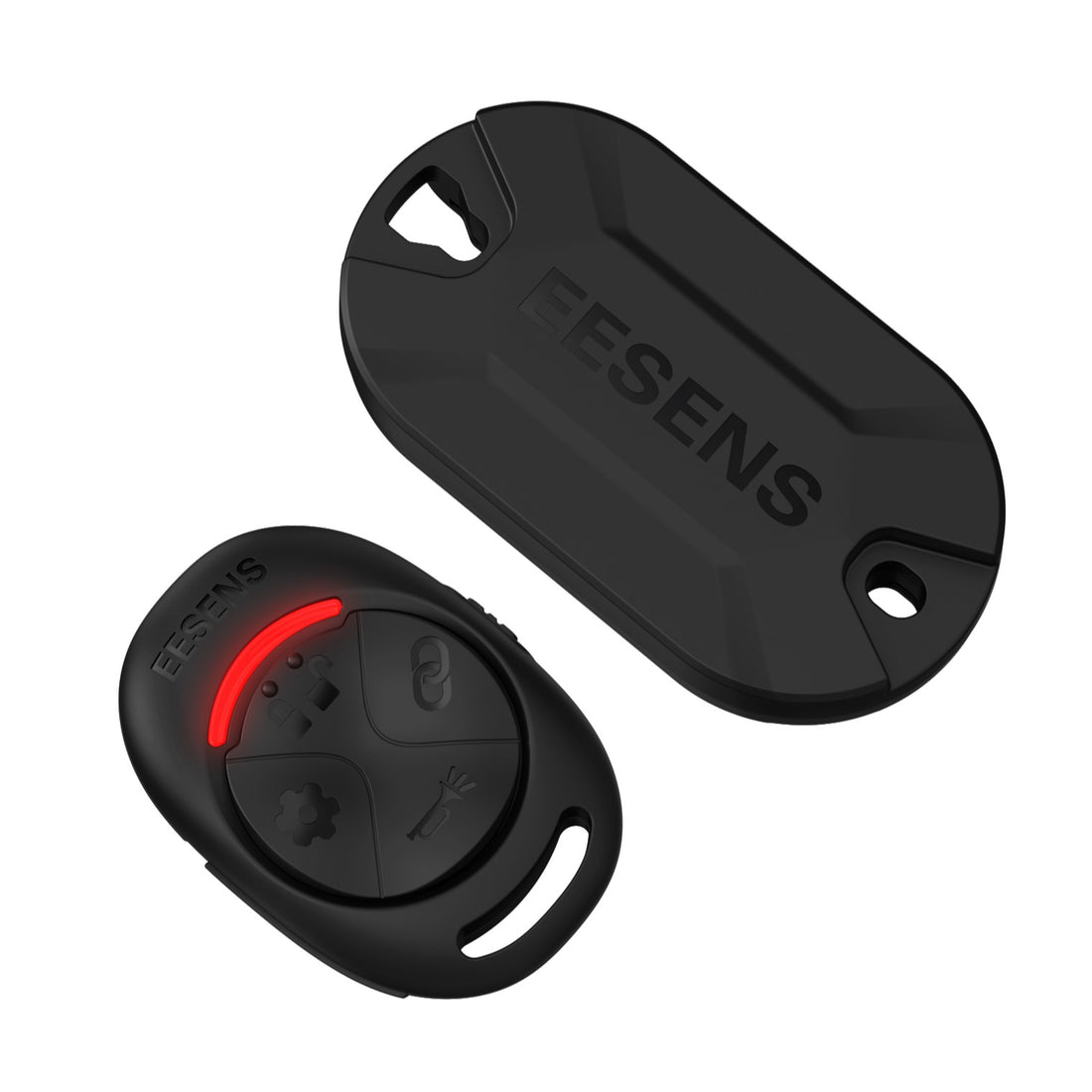 Guardian Alarm SystemGuardian Alarm System
- Regular price
-
€30,95 EUR €36,95 EUR - Regular price
-
- Sale price
-
€30,95 EUR €36,95 EUR
Quick view
-
 Alarm Remote Controller for Guardian Alarm System (Requires Vibration Alarm)Alarm Remote Controller for Guardian Alarm System (Requires Vibration Alarm)
- Regular price
-
€21,95 EUR - Regular price
-
- Sale price
-
€21,95 EUR
Quick view
-
 Vibration Alarm for Guardian Alarm System (Requires Alarm Remote)Vibration Alarm for Guardian Alarm System (Requires Alarm Remote)
- Regular price
-
€21,95 EUR - Regular price
-
- Sale price
-
€21,95 EUR
Quick view
-
 GuardianMount Concealed Saddle & Plate BracketGuardianMount Concealed Saddle & Plate Bracket
- Regular price
-
€9,95 EUR - Regular price
-
- Sale price
-
€9,95 EUR
Quick view


